



Why Every Startup Needs a Professional WordPress Website in 2025
Why Every Startup Needs a Professional WordPress Website in 2025
Launching a startup in 2025 is tough, and every decision matters. But there’s one asset you simply can’t afford to get wrong: your website. Before investors reply, before partners call back, and long before customers buy, they search for you online. If your website doesn’t look trustworthy, loads slowly, or feels outdated, your audience moves on.
That’s why building a professional WordPress website for startups isn’t just a nice-to-have anymore. It’s a growth strategy, a credibility tool, and often your first salesperson.
Why Your Startup Website Matters More in 2025
In 2025, your website is your brand’s foundation. It shapes first impressions, supports your marketing, and influences decision-making. People judge fast. If your site doesn’t look professional, they immediately question your product, your funding, and even your capability.
- Build trust in under 5 seconds
- Explain your value clearly
- Work flawlessly on mobile
- Help you collect leads or sales
Why WordPress Is the Smart Choice for Startups
WordPress gives startups a powerful advantage. It’s flexible, scalable, cost-effective, and easy to grow as your business evolves.
- Full ownership and control of your website
- Endless design options
- Built-in SEO support
- Integrations with CRM, email marketing, and automation tools
- Start small and scale fast
Key Features Every Professional Startup Website Should Have
- Clear hero message above the fold
- Fast, mobile-friendly pages
- Strong calls-to-action
- SEO-optimized content
- Social proof (testimonials, logos, reviews)
- Simple navigation structure
- Analytics tracking (GA4, Search Console, Meta Pixel)
Common Mistakes Startups Make (and How to Avoid Them)
- Using slow or bloated themes
- No clear brand message
- Weak or missing calls-to-action
- Stock images that don’t match their audience
- No SEO strategy
- No long-term maintenance plan
Startup Website Checklist (2025 Version)
- Mobile-first design
- SSL and security setup
- Fast hosting + caching
- Clear value proposition
- Lead capture form or booking option
- Blog or resource section
- SEO-friendly structure (H1, H2, internal links, schema)
- Backup and maintenance plan
Final Thoughts
Your website is your digital headquarters. It works 24/7, it’s the first impression most people will ever have of your business, and it can attract or repel opportunities with a single click. A professional WordPress website for startups gives you the foundation to scale confidently in 2025.
Ready to Grow Your Startup?
Book a free consultation today, and let’s build a professional WordPress website that impresses investors, earns trust, and converts visitors into customers.
Book Free Consultation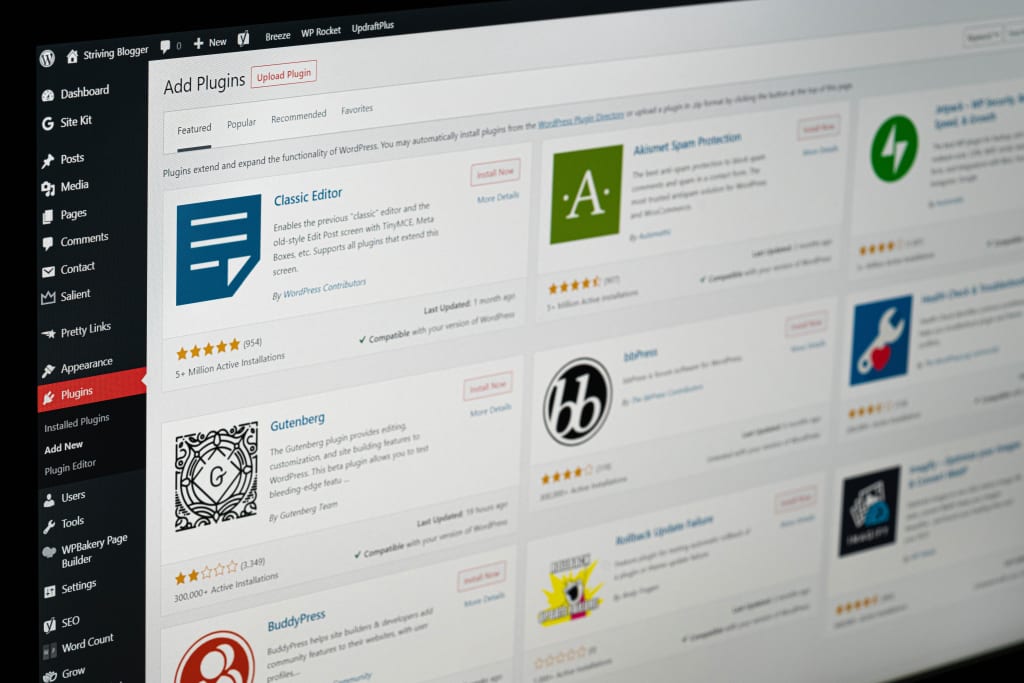
Top 10 WordPress Plugins Every Business Website Should Have
10 Essential WordPress Plugins
Plugins extend your WordPress website’s functionality, but choosing the wrong ones can slow down your site or create security risks. Below are 10 essential plugins every business site should have.
The 10 Must-Have Plugins
Plugin 1 — Yoast SEO or RankMath
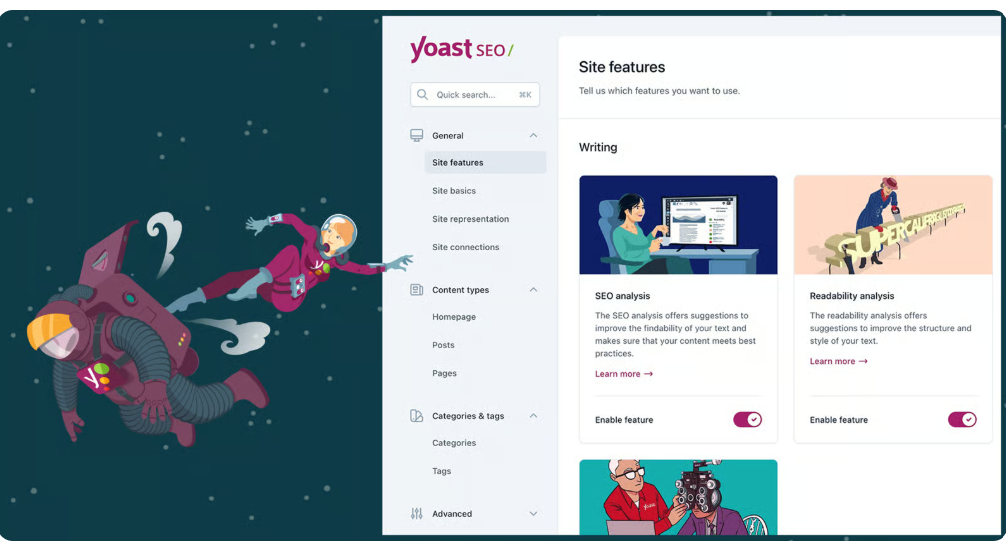
These plugins help you improve your search visibility and optimize your content for search engines.
Plugin 2 — WPForms or Gravity Forms
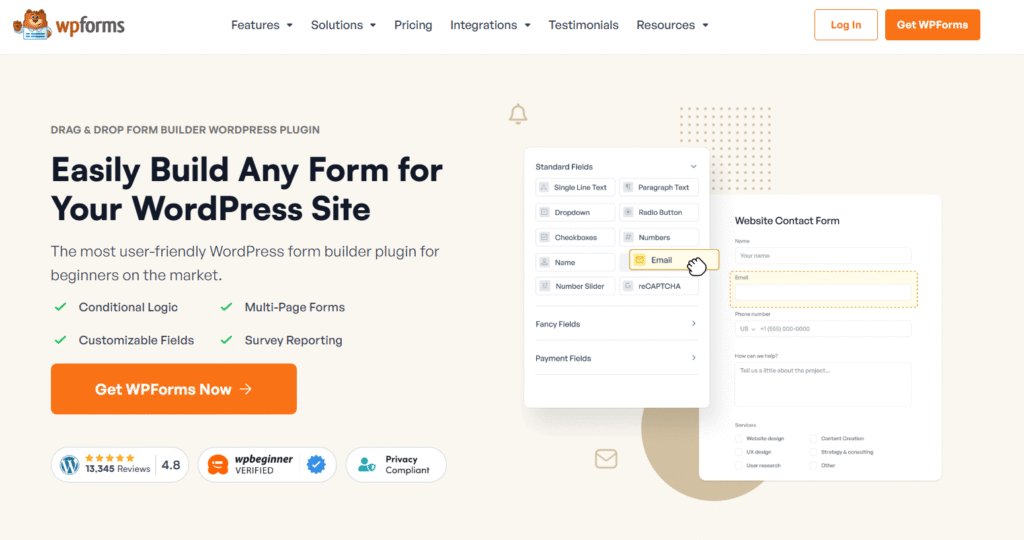
Easily create contact forms, quote request forms, and other forms to capture leads using a simple drag-and-drop builder.
Plugin 3 — WP Rocket or LiteSpeed Cache

Boost your website speed significantly with caching, minification, and lazy loading features activated with just a few clicks.
Plugin 4 — Wordfence or iThemes Security
Secure your site with a firewall, malware scanner, and robust login protection against brute-force attacks.
Plugin 5 — UpdraftPlus

Create automatic backups of your entire website (files and database) and send them directly to cloud storage.
Plugin 6 — ShortPixel or Smush
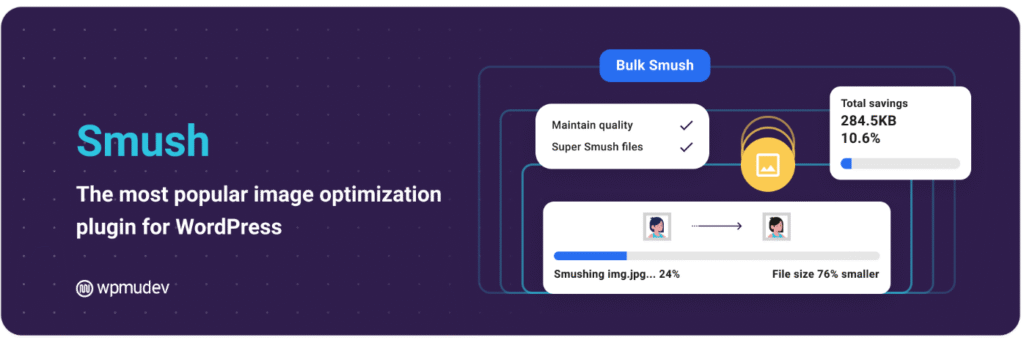
Automatically compress and optimize images upon upload and convert them to modern formats to dramatically reduce page load times.
Plugin 7 — MonsterInsights
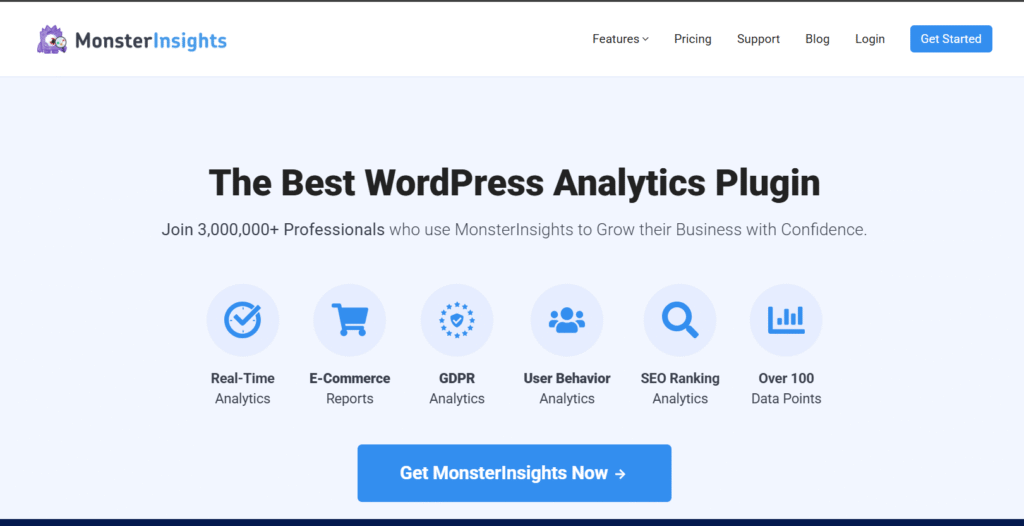
Track your website’s performance by connecting it to Google Analytics and viewing key reports directly inside your WordPress dashboard.
Plugin 8 — Redirection
Manage 301 redirects when you move content and monitor 404 “not found” errors to prevent visitors from hitting broken links.
🔹 Plugin 9 — Elementor or Gutenberg Pro
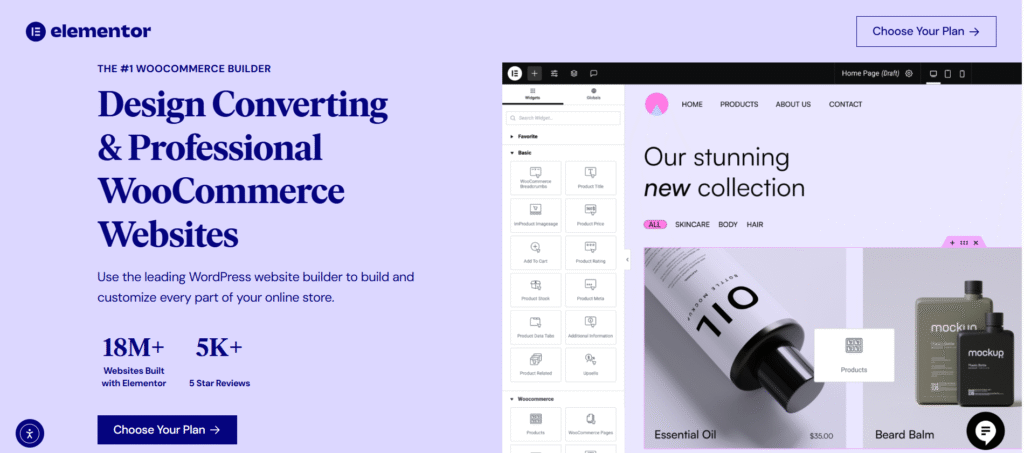
Gives you drag-and-drop page building, theme customization, and total layout control to design complex pages without coding.
Plugin 10 — WooCommerce

The leading e-commerce solution that turns your WordPress site into a fully functional online store for selling products.
The Five Devices You Need To Work Anytime
Lorem Ipsum is simply dummy text of the printing and typesetting industry. Lorem Ipsum has been the industry’s standard dummy text ever since the 1500s, when an unknown printer took a galley of type and scrambled.
Hello world!
Welcome to WordPress. This is your first post. Edit or delete it, then start writing!